Table of Contents
Printer connectivity looks simple until the application moves out of a quiet office. A shipping-line label printer mounted beside a VFD, a kiosk printer in a long service run, or a thermal print engine with a constantly moving carriage all put different stress on the cable system. That is why printer cable selection belongs on a wire harness and cable assembly site: the failure mode is usually mechanical, shielding-related, or connector-related before it is software-related.
Modern printers are dominated by USB and Ethernet, but legacy equipment still depends on IEEE 1284 parallel links and RS-232 serial ports. Inside the printer, the story changes again: compact flex circuits and ribbon cables connect printheads, sensors, control boards, and front panels in very tight spaces.
This article focuses on those real hardware choices. It does not cover generic software setup. Instead, it explains what cable assembly buyers and engineers need to evaluate: connector type, maximum practical length, shielding, flex life, and when it is better to redesign the interface than to keep extending the same cable.
Why Printer Cable Choice Still Matters
Printer interfaces are often installed once and ignored until a problem appears. That makes cable mistakes expensive. A USB cable that exceeds its practical length may print perfectly during a bench test and then drop jobs intermittently on the production floor. A parallel cable with poor shielding can pass data in one facility and fail in another with more motor noise. An internal flex cable can pass continuity but crack after 100,000 carriage cycles because the bend path was too tight.
“When a printer cable fails in the field, the symptom is usually digital, but the root cause is often mechanical. I would rather review a 5 meter USB limit, a 10 times bend-radius rule, and shield termination at day one than debug random disconnects at day one hundred.”
The same engineering logic used in shielded cable selection and bend-radius control applies here. Printers combine data, motion, and repeated plugging cycles, so cable reliability depends on more than just electrical continuity.
The Main Printer Cable Types in Use Today
Most printer cable programs fall into six buckets. USB Type-B is the default for office printers and many desktop label printers. Parallel IEEE 1284 survives on legacy industrial equipment. RS-232 remains common where printer integration must stay simple and deterministic. Ethernet handles long runs and shared access. Internal FFC/FPC cables manage moving printheads and compact subassemblies. Ribbon and IDC-style harnesses connect fixed boards and local peripherals.
If you need the connector anatomy behind those builds, our guides on common connector types and USB cable assemblies provide a deeper view of shells, retention, and overmolding options. For printer internals, the closest analog is our flat flex cable assembly coverage.
Comparison Table: Printer Cable Types at a Glance
This table is the fast screening tool. The right answer depends on distance, environment, and whether the cable sits outside the printer or moves inside it.
| Cable Type | Typical Connector | Practical Length | Strength | Main Limitation |
|---|---|---|---|---|
| USB Type-A to Type-B | Type-B device port, Type-A host | Up to 5 m passive | Common, inexpensive, plug-and-play | Sensitive to EMI and host placement |
| IEEE 1284 Parallel | Centronics 36 to DB25 | 2 to 3 m typical | Legacy compatibility, deterministic signaling | Bulky cable, low speed, obsolete on new equipment |
| RS-232 Serial | DB9 or DB25 | Up to 15 m standard | Simple integration for POS and industrial gear | Low throughput, point-to-point only |
| Ethernet | RJ45 | Up to 100 m | Networked printing, long reach, remote placement | Needs network configuration and IT controls |
| FFC / FPC Internal Cable | ZIF/LIF fine-pitch connector | Usually under 0.5 m | Compact routing inside printer mechanisms | Requires careful bend-radius and insertion control |
| Ribbon / IDC Internal Harness | IDC or board header | Usually under 1 m | Low-cost board-to-board wiring | Poor choice for repeated flex unless engineered for motion |
The practical implication is straightforward: USB works best for a nearby host, Ethernet works best for distance and multi-user access, and legacy parallel or serial links should be kept only when the installed machine or controller still depends on them.
Internal printer cables are a different class entirely. A compact FPC or ribbon cable may be the best answer inside the housing even when the external interface is USB or Ethernet.
USB Printer Cables: The Modern Default
USB printer cables are usually Type-A to Type-B, with the square Type-B connector on the printer side. For compact devices, some older models use Mini-USB or Micro-USB, but Type-B remains the standard industrial form because it resists accidental mismatch. In clean office environments, a standard molded cable is often enough. In factories, kiosks, or medical carts, better choices are double-shielded cable, overmolded strain relief, and ferrites near the ends.
Passive USB 2.0 is usually treated as a 5 meter maximum. Once you need more distance, the engineering answer is rarely “buy a longer cheap cable.” It is to use an active extender, move to Ethernet, or reposition the controller. Our cable testing capability becomes important on these builds because intermittent shielding faults often hide during static bench inspection.
“For USB printer builds, 5 meters is the number buyers should remember. If the environment has inverters, motors, or long ground offsets, I spec shielding and ferrites first, and I start arguing for Ethernet before someone asks for 8 or 10 meters of passive USB.”
USB is also where connector durability matters. A printer that is unplugged daily at a service desk, mobile workstation, or field kiosk needs better overmold support and stronger connector retention than a cable that will be installed once and left in place. That is a small specification detail, but it often decides whether the cable lasts 500 insertion cycles or becomes loose long before the printer itself is retired.
Parallel and Serial Cables: Legacy, but Not Gone
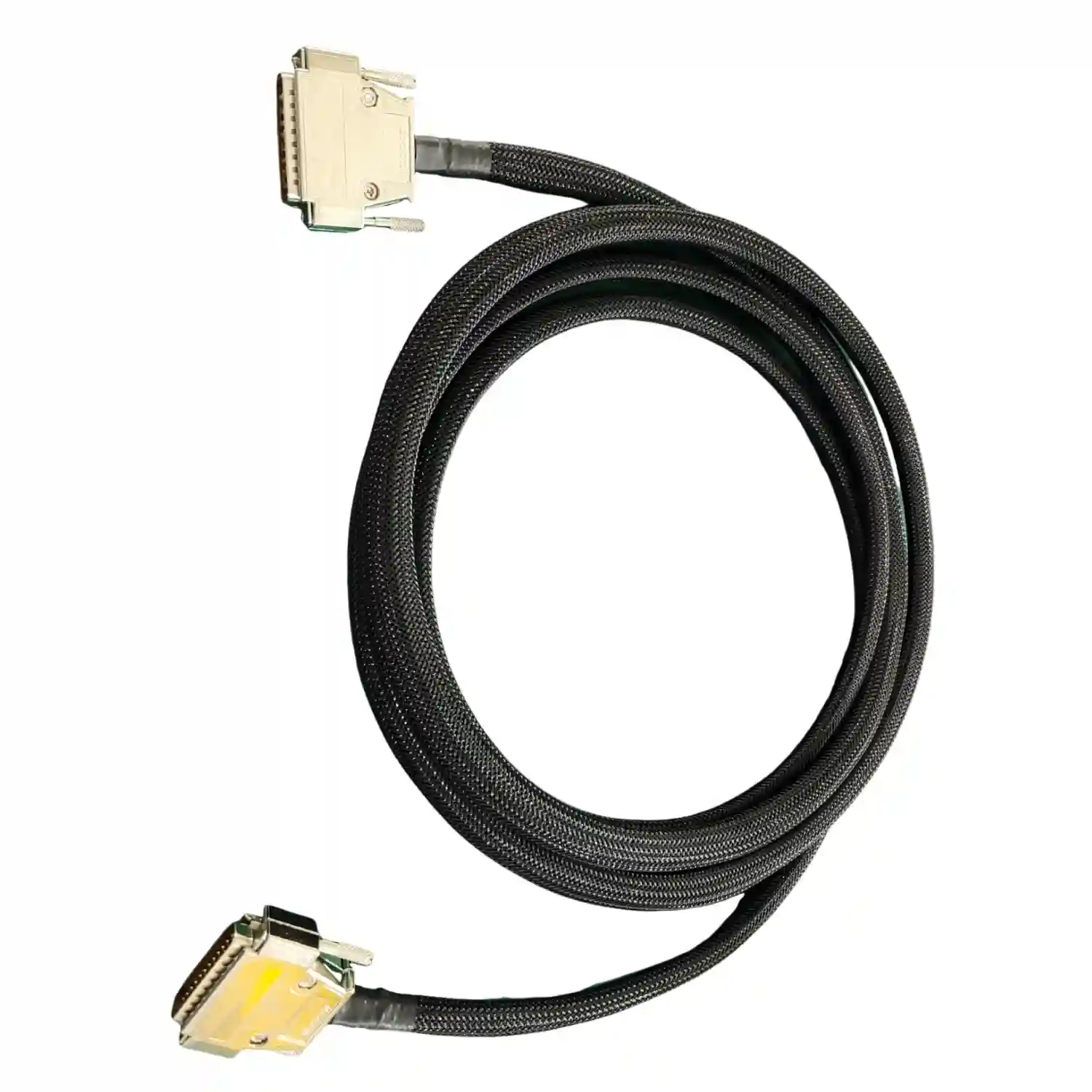
Parallel printer cables typically mean Centronics 36 on the printer side and DB25 on the host side. In better implementations, the cable follows IEEE 1284 geometry and shielding requirements so bidirectional data transfer stays stable. These cables are bulky because they carry many conductors and need better crosstalk control than casual commodity builds.
Serial printer cables, usually RS-232 with DB9 or DB25 connectors, persist in thermal printers, POS systems, and embedded control cabinets because they are simple and serviceable. They are slow compared with USB or Ethernet, but their 15 meter design range and straightforward troubleshooting keep them useful.
If a machine still depends on parallel or serial, the question is not whether the interface is fashionable. The question is whether you can build a robust cable with the right shielding, screw-lock retention, and strain relief. That is classic cable assembly work, not a software workaround.
Ethernet and Wireless-Connected Printers
Ethernet is the practical answer when the printer is not sitting next to the host PC. A Cat5e or Cat6 link can run 100 meters, simplify printer sharing, and let the printer live where the process needs it instead of where the workstation happens to be. That matters in warehouse labeling, production marking, and distributed office environments.
Wireless printers still depend on internal cable assemblies. The data path may be Wi-Fi, but inside the printer you still need flex-rated printhead cables, shielded motor leads, and local board interconnects. Wireless removes one external cable; it does not remove cable engineering from the product.
In regulated or service-heavy environments, Ethernet also improves maintainability. IT teams can separate printer location from user location, replace a damaged patch cable quickly, and avoid repeated wear on a host-side USB port. From a cable-assembly point of view, that means the external connection becomes standardized, while the application-specific engineering moves inside the printer.
Internal Printer Cables: FFC, FPC, and Ribbon Harnesses
Internal printer cable design is where cable assembly expertise is most visible. Printheads, carriage motors, sensors, scanner bars, front panels, and daughterboards all need compact routing. Flat cables win when space is tight and the bend path is controlled. Discrete harnesses win when current is higher, shielding is required, or the assembly needs more rugged strain relief.
Thermal and inkjet systems often use moving FFC or FPC tails between the logic board and the printhead carriage. Those cables must tolerate repeated cycles and should not be folded sharply at the connector exit. Internal ribbon harnesses are more suitable for fixed board-to-board runs, panel I/O, and local sensor groups.
For those programs, our articles on ribbon vs round cable and strain relief solutions are directly relevant because internal printer failures usually start at flex zones, clamp points, and connector exits.
How to Choose the Right Printer Cable
Fast selection checklist
- Use USB only when the host is nearby and the environment is relatively quiet.
- Use Ethernet when the run is long, multiple users share the printer, or EMI is present.
- Keep parallel and serial only when the installed equipment requires them.
- Choose FFC, FPC, or ribbon only for internal printer functions, not for rugged external connections.
- Specify shielding, ferrites, and strain relief early if the printer sits near drives, motors, or heaters.
Buyers often ask for “a printer cable” as if there is one universal answer. There is not. The correct choice depends on physical distance, EMI exposure, serviceability, connector retention, and whether the cable moves. That is why commodity office assumptions often break in warehouse, medical, kiosk, or embedded applications.
If you are building a new product rather than replacing a single cord, specify the cable as part of the assembly, not as an afterthought. Define connector brand or mating standard, shield termination method, jacket flexibility, and expected insertion or flex cycles. That produces a manufacturable harness instead of a generic accessory purchase.
Three common printer-cable failure modes
First, over-length USB runs create intermittent dropouts that operators mistake for driver issues. Second, internal flex tails fail at the same bend point because the cable exit is unsupported or the motion path is too sharp. Third, low-cost parallel or serial replacements omit shielding details that the original OEM build relied on for stable communication.
None of those problems are solved by changing software. They are solved by better cable geometry, better shielding, or a more appropriate interface choice. That is exactly why cable engineering should be part of the printer design review rather than the last item on the sourcing list.
If you need a custom printer-related cable assembly, internal flex harness, or shielded interconnect for a print engine, use our contact page to share the connector part numbers, target length, and operating environment. We can help convert a vague cable request into a buildable specification.
Frequently Asked Questions
What cable do most modern printers use?
Most desktop and industrial label printers shipped in the last 15 years default to USB 2.0 Type-B on the device side. For reliable operation, keep passive USB cable length around 5 meters and use shielded cable with a ferrite when the printer sits near motors or switching power supplies.
Is a parallel printer cable the same as a Centronics cable?
Not exactly. Centronics usually refers to the 36-pin printer-side connector, while IEEE 1284 defines the bidirectional electrical and cable performance standard. Many legacy cables use a Centronics 36 connector on one end and DB25 on the other, but only IEEE 1284-compliant builds guarantee the shielding and twisted-pair construction expected for high-speed modes.
How long can a USB printer cable be before communication becomes unstable?
For standard passive USB 2.0, 5 meters is the common design limit. Beyond that, use an active repeater, USB-over-Ethernet extender, or move to direct Ethernet printing. In noisy factory cells, instability can appear even under 5 meters if shielding or grounding is poor.
Do industrial printers still use serial cables?
Yes. RS-232 is still common on barcode, receipt, kiosk, and embedded industrial printers because it is simple, predictable, and easy to integrate with PLC or POS controllers. Speeds are low compared with USB or Ethernet, but runs of 15 meters are realistic at standard load and baud settings when the cable is correctly shielded.
What internal cable types are used inside printers?
Thermal, inkjet, and compact office printers commonly use FFC, FPC, and ribbon-style internal cables to connect carriage boards, printheads, panels, and sensors. Pitch is often 0.5 mm or 1.0 mm, and bend management matters because a printhead shuttle can cycle thousands of times per day.
When should I choose Ethernet instead of USB for a printer connection?
Choose Ethernet when cable runs exceed 5 meters, when multiple users share the printer, or when the device sits in a production cell with EMI sources. A shielded Cat5e or Cat6 link can run 100 meters and isolates the host computer location from the printer location much better than direct USB.